The Purview Auto-Labeling Blind Spot Nobody Talks About

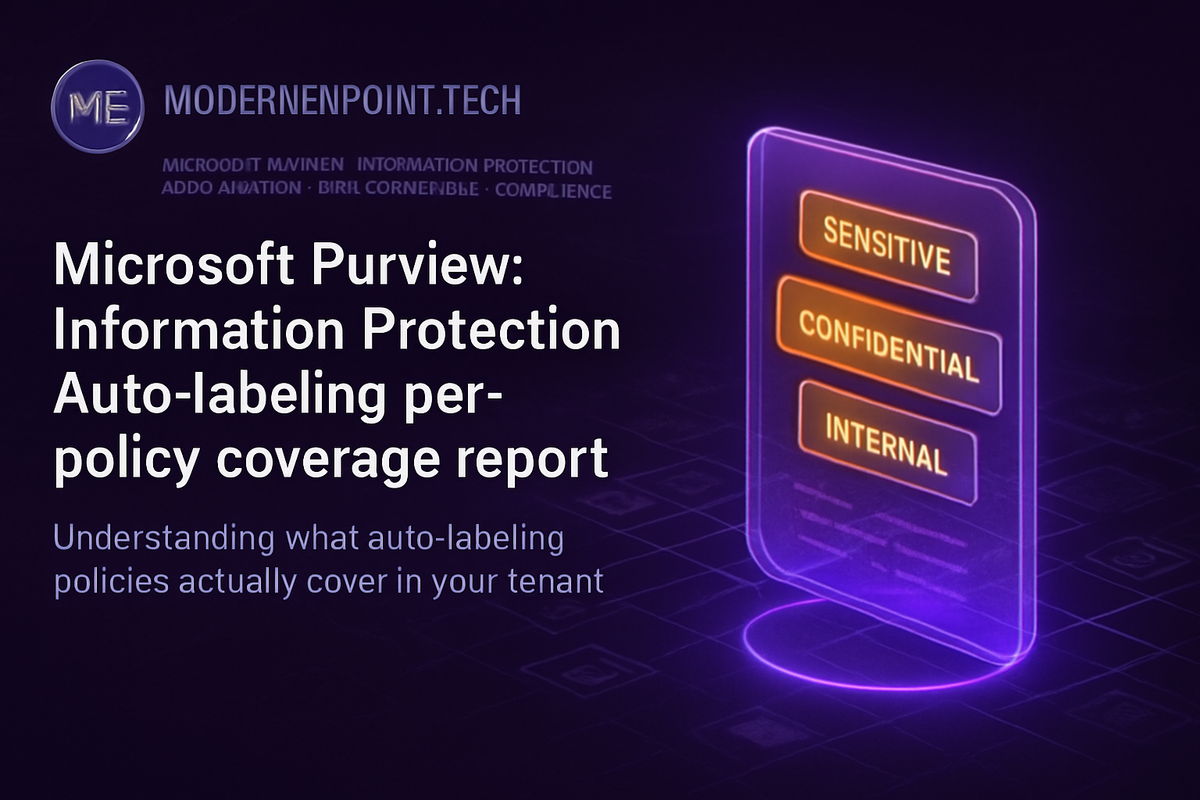
Microsoft Purview: Information Protection-Auto-labeling per-policy coverage report…
I was mid-way through a Purview Information Protection review with a large financial services customer when the CISO asked a question that stopped the room: "How do I know my auto-labeling policies are actually covering the data they're supposed to?" The team pointed to the policy configuration screen. They showed their sensitive information type mappings. They demonstrated the simulation results from months earlier. None of it answered the question. The CISO was right to push back. Knowing a policy exists is not the same as knowing a policy works.
🔍 The Coverage Blind Spot Nobody Talks About
Auto-labeling in Microsoft Purview works across two surfaces: service-side auto-labeling (which operates on content at rest and in transit across Exchange, SharePoint, and OneDrive) and client-side auto-labeling (which applies labels in Office applications as users create or edit documents). Both are critical. Both have the same operational problem.
Once you configure a policy and move it out of simulation mode, the operational feedback loop nearly disappears. You can see label activity in Activity Explorer. You can query audit logs. But correlating that activity back to a specific policy, and understanding what percentage of targeted content that policy is actually reaching, has historically required custom KQL work against audit data, manual sampling, or educated guessing.
I have seen this pattern in nearly every enterprise Purview deployment I have reviewed. Teams configure auto-labeling policies, validate them in simulation, push them live, and then assume the work is done. Six months later, when a compliance audit or a data incident surfaces, the question comes back: "What exactly was covered, and what was not?"
The per-policy coverage report changes that by giving administrators a direct view into what each policy is reaching, relative to what it was configured to reach. That is a governance signal, not just an operational one.
📊 Why Microsoft Built This Now
Microsoft's timing here is not accidental. Three forces are converging simultaneously.
First, regulatory pressure on data classification has intensified. GDPR enforcement actions, NIS2 obligations, and financial services regulations like DORA all increasingly require organizations to demonstrate not just that data governance controls exist, but that they are operating effectively across defined data scopes. "We have a policy" no longer satisfies regulators. "Here is the coverage evidence" does.
Second, Microsoft 365 Copilot adoption has elevated the stakes for classification accuracy. When Copilot reads, summarizes, and synthesizes organizational data, the classification state of that data directly determines what Copilot can expose and to whom. An auto-labeling policy with 60% coverage means 40% of targeted sensitive content is potentially flowing through Copilot without the label-driven access controls that were intended to govern it. That is not a theoretical risk. I have seen it surface in Copilot readiness assessments as a real architectural vulnerability.
Third, the maturity of Purview deployments across enterprise customers has reached a point where the next governance question is always: "Is it working?" First-generation deployments focused on getting policies in place. Second-generation governance asks for evidence that those policies deliver on their intent.
🧩 What the Coverage Report Actually Changes
Before this report, assembling a coverage picture required stitching together data from multiple sources. The workflow looked something like this:
| Approach | What It Showed | What It Missed |
|---|---|---|
| Activity Explorer | Label applied events by label name | Which policy triggered the label |
| Audit Log (KQL) | Policy match events | Aggregate coverage rate per policy |
| Simulation Mode Results | Estimated match volume before go-live | Drift after go-live |
| Manual Sampling | Spot-check accuracy | Scale and statistical confidence |
| Content Explorer | Labeled vs. unlabeled content | Policy-to-coverage attribution |
The per-policy coverage report collapses that fragmented picture into a single authoritative view per policy. Administrators can see, for a given auto-labeling policy, how much content within scope has been labeled versus how much remains unlabeled across the configured locations.
That attribution matters. It means a Purview administrator can look at Policy A, see it is covering 85% of targeted SharePoint content but only 34% of targeted Exchange content, and immediately know there is a scoping or configuration problem specific to that workload. Without attribution, that signal is buried in aggregated label counts that tell you very little about where the failure is.
Coverage percentage alone can be misleading. A policy showing high coverage against a narrow scope is not the same as a policy with genuine organizational reach. Always validate scope definition before treating coverage percentages as health indicators.
🚫 What This Technology Does NOT Solve
Before treating the per-policy coverage report as a governance cure-all, organizations need to be clear about its limits.
It does not fix the underlying classification architecture. If your sensitive information types are poorly tuned, high false-positive rates will produce coverage numbers that look healthy but represent incorrect labeling at scale. Coverage of the wrong label is not governance. It is noise with a number attached to it.
It does not surface content that was never in scope. If a SharePoint site was excluded from a policy, unlabeled content on that site will not appear in the coverage gap. The report tells you about coverage within scope. It cannot tell you whether your scope was right in the first place. That requires a separate data discovery exercise, typically using Microsoft Purview Data Map or Content Explorer to understand where sensitive data lives before you define policy scope.
It does not replace DLP policy validation. Auto-labeling coverage and DLP policy effectiveness are separate governance dimensions. A file can be correctly labeled and still escape DLP enforcement if the DLP policy conditions are misconfigured. These two governance layers need independent validation.
It does not address label lifecycle residue: documents labeled under a previous policy configuration that were labeled correctly at the time but are now misclassified due to policy changes. Coverage reports show current state. They do not surface historical drift caused by policy evolution.
⚖️ Operational Reality After Deployment
In my experience, the teams most likely to struggle with this are those where auto-labeling was deployed by a project team that no longer exists in its original form. The policy is live. The coverage report is now available. But nobody owns the process of reviewing coverage, interpreting the gaps, and driving remediation. That operational ownership gap is the first thing that breaks.
Before the coverage report goes into production use, assign explicit ownership: who reviews it, at what frequency, what coverage threshold triggers an incident, and what the remediation path looks like. Without that operating model, the report is just a number that nobody acts on.
Here is a basic KQL query against the unified audit log that organizations can use alongside the native report to cross-validate label policy activity before the coverage report reaches general availability in their tenant:
AuditLogs
| where OperationName == "SensitivityLabelApplied"
| extend PolicyName = tostring(parse_json(AdditionalDetails).PolicyName)
| extend LabelName = tostring(parse_json(AdditionalDetails).LabelName)
| extend Workload = tostring(parse_json(AdditionalDetails).Workload)
| summarize LabelCount = count() by PolicyName, LabelName, Workload, bin(TimeGenerated, 1d)
| order by TimeGenerated desc
This does not replace the per-policy coverage report, but it gives governance teams a workload-level signal while waiting for the native capability to land in their tenant.
The per-policy coverage report is on the Microsoft 365 roadmap and is subject to release timing changes. Organizations should monitor the official roadmap at https://www.microsoft.com/en-us/microsoft-365/roadmap and the Purview Information Protection documentation at https://learn.microsoft.com/en-us/purview/information-protection for general availability announcements.
🏗️ Where This Fits in the Broader Information Protection Architecture
The per-policy coverage report is not a standalone feature. It is the closing link in a governance loop that was always theoretically present but practically broken.
The loop looks like this: classification architecture (what should be labeled) drives policy configuration (how labeling is applied), which drives label activity (what was actually labeled), which should drive governance review (is the classification architecture delivering?). The coverage report provides the signal that makes that final step evidence-based.
For organizations running Microsoft Defender for Cloud Apps with label-based session policies, coverage directly determines the effective reach of those controls. For organizations using Microsoft Purview DLP with label conditions, coverage determines what percentage of targeted sensitive content DLP is actually inspecting under label-triggered rules. For organizations preparing for or running Microsoft 365 Copilot, coverage determines whether the sensitivity label inheritance behaviors that govern Copilot outputs are operating against classified content or unclassified content.
In each of those scenarios, a coverage gap is not a reporting problem. It is a security control gap.
🎯 Final Architect Recommendation
If I were advising a customer on this today, I would say the following with conviction.
Deploy this capability and surface it immediately to your governance team. Not as a dashboard curiosity, but as an operational control. The coverage report exposes what every Purview deployment I have reviewed had somewhere underneath it: policies that were configured with good intent but were not delivering the coverage their architects assumed.
Do not wait for general availability to build your governance model. Start now by defining what an acceptable coverage threshold looks like per policy, per workload, and per data risk classification. Build the remediation workflow before the metric arrives. Assign ownership explicitly. The report without an operating model behind it is operational debt deferred.
I would not treat coverage percentages as absolute health indicators without first validating scope accuracy. A 90% coverage rate on a policy scoped to three SharePoint libraries is not the same governance posture as 90% coverage across your entire SharePoint estate. Context determines the meaning of the number.
For organizations running Copilot, I would treat this as a priority governance action. The intersection of classification coverage and Copilot data access is the place where most organizations I have spoken with discover their first real information protection gap — not because the technology failed, but because the coverage assumption was never tested.
The organizations that will get the most from this feature are the ones that treat it as an architectural feedback mechanism. Configuration drift is real. Policy conflicts accumulate over time. Content estates grow in unexpected directions. The coverage report gives you the signal. What you do with that signal is the governance decision that matters.
---
🎯 The Takeaway
- If your auto-labeling policies have not been coverage-validated since initial deployment, assume drift has occurred. Active policies with no errors are not the same as policies with effective coverage.
- Always define coverage thresholds by policy risk classification before the report goes live. Treating all policies equally with a single organizational target will mask critical gaps in high-risk policy scopes.
- If you are running Microsoft 365 Copilot, treat auto-labeling coverage as a security architecture KPI immediately. Coverage gaps in classification policies translate directly to governance gaps in Copilot data exposure.
- Always build the remediation workflow before surfacing the coverage metric to leadership. A documented coverage gap without an assigned owner and a remediation path is a compliance liability waiting for an audit.
- If your scope definition was not validated against actual sensitive data distribution, correct the scope before interpreting coverage percentages. Coverage accuracy is only meaningful when scope accuracy is confirmed first.