Defender Onboarding Governance

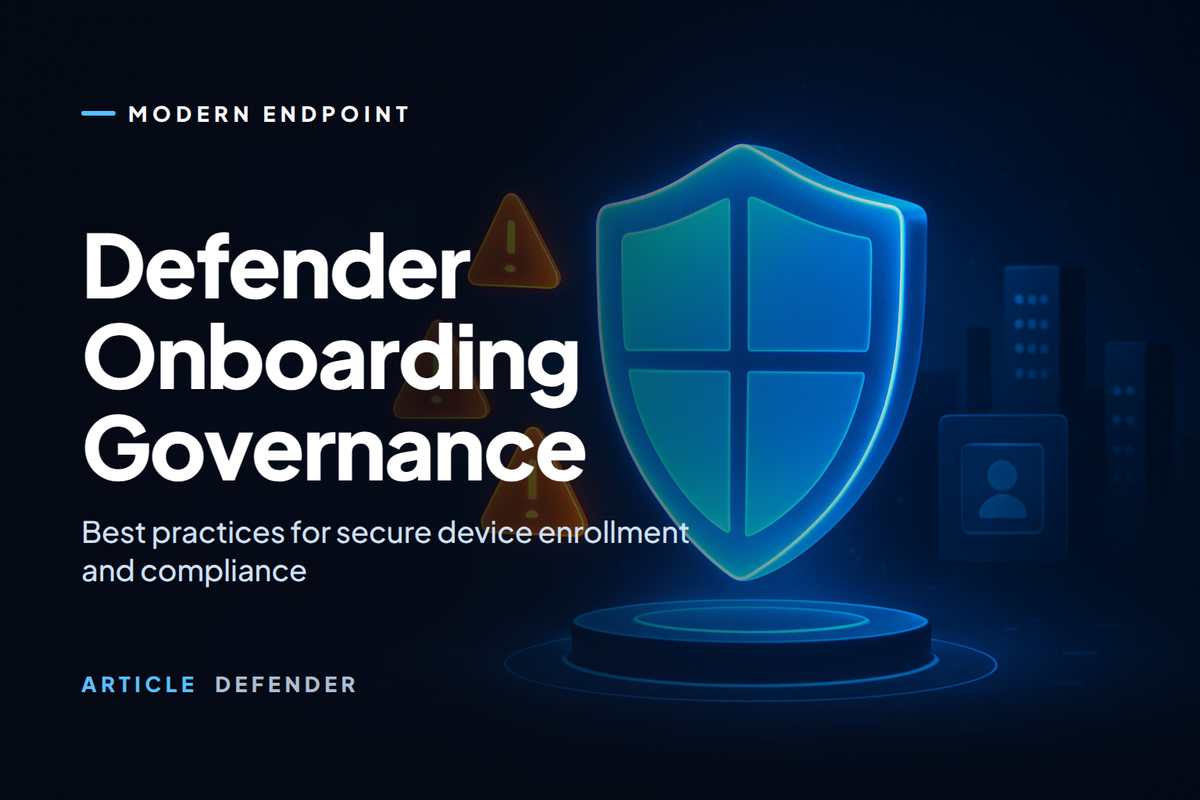
Defender Onboarding Governance
Why enabling Microsoft Defender is not the same as controlling it
One of the biggest gaps I still see in customer environments is the way Microsoft Defender is approached operationally. In many organizations, Defender onboarding is treated as a deployment task — Endpoint gets onboarded, Office 365 protections get enabled, cloud subscriptions get connected, XDR starts producing incidents. From a technical perspective, that looks like progress.
But from a security governance perspective, that is only the beginning.
That is what Defender Onboarding Governance is really about — the difference between having Microsoft security products enabled and having a security platform that is structured, governed, and ready to operate under real pressure.
The Defender conversation has changed
A few years ago, security discussions could still happen per product. Endpoint was one project. Email security was another. Cloud posture was often handled elsewhere. That model does not hold up well anymore.
Today, the real value of Microsoft Defender is created when the full ecosystem works together:
Defender for Endpoint — visibility vs. control
Most organizations begin with Microsoft Defender for Endpoint, and that makes sense. It is one of the strongest components in the Microsoft security stack. But onboarding devices alone is not maturity. A device appearing in the portal does not automatically mean the environment is controlled — it only means telemetry is arriving.
Control comes from governance decisions:
- Who is allowed to onboard which device populations?
- Which onboarding method is approved in production?
- How are devices tagged and organized by group?
- How are regions, subsidiaries, and privileged assets separated?
- Which teams are read-only, and which can take remediation actions?
Defender for Office 365 — part of the same attack story
A lot of endpoint incidents do not begin on the endpoint. They begin in the inbox. That is exactly why Microsoft Defender for Office 365 should be part of the onboarding governance conversation from day one.
If email protections are enabled but not governed, teams start accumulating policy exceptions, bypasses, inconsistent reporting processes, and weak escalation flow around suspicious messages. Then when a phishing campaign leads to endpoint compromise, the investigation becomes fragmented — even though the tools are capable of working together.
- What is the mail security baseline?
- Who can approve Safe Links or Safe Attachments exceptions?
- How are user-reported phish messages handled?
- How are email signals correlated into broader incidents?
- Which teams own the workflow when the same attack spans mailbox, user, and device?
The real operational value is Microsoft Defender XDR
If I had to summarize the real value of the Defender ecosystem in one point, it would be this: Microsoft Defender XDR turns disconnected security signals into one incident narrative.
Instead of investigating one suspicious email, one endpoint alert, one identity anomaly, and one cloud event separately, analysts work from a single incident that explains how the activity connects. This reduces duplicate triage, improves speed, and gives teams a much stronger view of scope, blast radius, and sequence of activity.
It also forces a more mature governance model — because once incidents span multiple workloads, the organization must define who owns the investigation, who can take action, how automated response is governed, and how cross-domain evidence is reviewed.
AIR — the most undervalued force multiplier
One of the most undervalued parts of the Defender ecosystem is Automated Investigation and Response. Without AIR, every suspicious chain depends heavily on analyst time. With AIR, a meaningful part of the repetitive investigative work happens automatically — improving consistency and reducing fatigue.
But this is exactly where governance becomes essential. Once automation can investigate and prepare response actions, the right questions are about control:
Which investigations run automatically? Which response actions execute without approval? How are outcomes audited?
Which actions require human review? Who are the approvers? What is the escalation path when approvers are unavailable?
KQL and Advanced Hunting
Even with strong protection and good incident correlation, mature security teams still need the ability to ask their own questions. KQL gives defenders the ability to do things that dashboards alone cannot — trace phishing campaign spread, pivot from user to device to command line, validate whether a behavior is isolated or widespread, and turn real-world attack patterns into custom detections.
Suspicious PowerShell execution
DeviceProcessEvents
| where Timestamp > ago(7d)
| where FileName in~ ("powershell.exe", "pwsh.exe")
| where ProcessCommandLine has_any ("-enc", "IEX", "DownloadString", "Bypass")
| project Timestamp, DeviceName, InitiatingProcessAccountName, FileName, ProcessCommandLine, SHA1
| order by Timestamp desc
Users targeted by suspicious shortened URLs
EmailUrlInfo
| where Timestamp > ago(7d)
| where Url has_any ("bit.ly", "tinyurl", "t.ly")
| join kind=inner (
    EmailEvents
    | where Timestamp > ago(7d)
    | project NetworkMessageId, RecipientEmailAddress, SenderFromAddress, Subject
) on NetworkMessageId
| project Timestamp, SenderFromAddress, RecipientEmailAddress, Subject, Url
| order by Timestamp desc
Devices with high alert concentration
AlertInfo
| where Timestamp > ago(7d)
| where ServiceSource =~ "Microsoft Defender for Endpoint"
| summarize AlertCount=count() by DeviceId, Title, Severity
| order by AlertCount desc
Identity investigation pivot
IdentityLogonEvents
| where Timestamp > ago(7d)
| where AccountUpn =~ "user@contoso.com"
| project Timestamp, DeviceName, AccountUpn, ActionType, IPAddress, Application
| order by Timestamp desc
What a mature governance model looks like
By the time an organization is using Endpoint, Office 365, Cloud, XDR, AIR, and KQL together, the conversation should no longer be "Did we deploy Defender?" The right questions are much more mature:
- Did we define a supported onboarding method by workload?
- Did we structure RBAC properly and separate visibility from action?
- Did we design device groups, tags, and scoping intentionally?
- Did we govern policy exceptions with an approval workflow?
- Did we define how automated investigation and response should behave?
- Did we operationalize hunting and build repeatable detection logic?
- Did we build a model that analysts can actually trust?
The biggest mistake is treating Defender onboarding as a deployment project
It is not. It is a governance project. It is an operations project. And in many environments, it is a maturity project.
The real value of Microsoft Defender appears when Endpoint, Office 365, Cloud, XDR, AIR, and KQL are not just enabled — but governed as one connected security model. That is when the platform starts doing what it was really built for: seeing more, connecting more, investigating faster, automating safely, and giving security teams stronger operational control across the Microsoft estate.
Want to assess your Microsoft Defender operating model?
If your organization has already enabled Microsoft Defender but still lacks clear governance around onboarding, incident ownership, automation, and advanced hunting, now is the right time to close that gap. A mature Defender program is not measured only by what is enabled — it is measured by how well it is governed.