New Manic Android malware can exfiltrate data through nearby: What IT Admins Need to Know

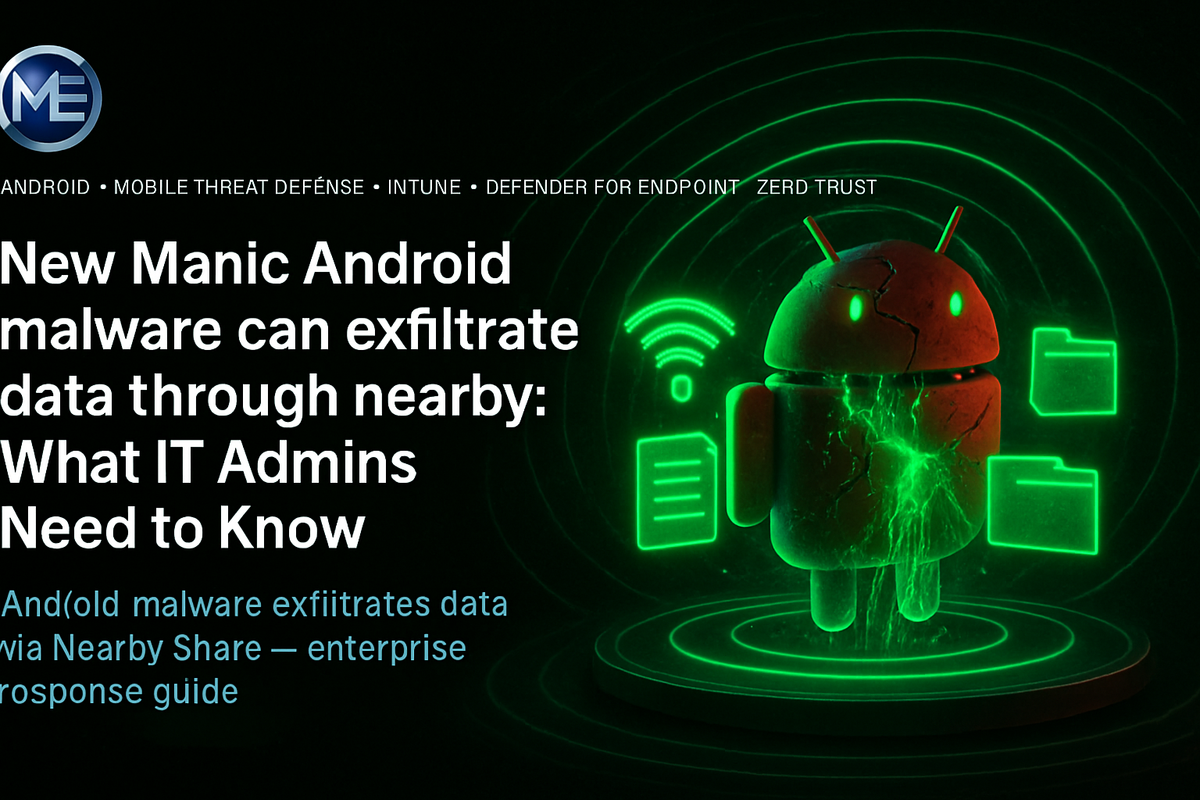
New Manic Android malware can exfiltrate data through nearby: What IT Admins Need to Know
I walked into a client's security review last year, and their CISO was genuinely proud. "We've blocked all sideloading. All corporate Android devices are MDM-enrolled. We're good." I nodded, pulled up a network topology diagram, and asked one question: "What controls do you have on Bluetooth and Wi-Fi Direct between enrolled devices?" The room went quiet.
🔍 What Manic Actually Does — And Why It's Different
Manic is a new Android malware family, active since at least February 2026, targeting users across multiple European countries with Ukraine as the primary focus. Mobile security firm ThreatFabric analyzed it in detail. On the surface, Manic reads like a sophisticated but familiar banking trojan: transparent overlays on numeric keypads, Accessibility service abuse, SMS interception, lock-screen PIN capture, WebRTC-based remote control, and targeting across 169 apps spanning banking, government eID, crypto wallets, messaging platforms, and 2FA authenticators.
That part is dangerous but not novel. The part that stopped me cold is different.
Manic includes a fallback exfiltration mechanism that activates when the compromised device cannot reach its command-and-control (C2) server. When C2 is unavailable, Manic looks around. It queries nearby devices over Wi-Fi Direct and Bluetooth Low Energy (BLE) to find other infected nodes with internet connectivity. It then routes the stolen data through those devices, supporting up to four relay hops by default. Encrypted. Categorized by data type. Queued and patient.
This is mesh-based exfiltration. That is not a minor capability upgrade. That is a different class of threat model.
---
⚡ Why This Breaks Standard Mobile Security Assumptions
This is the architecture problem Manic forces into the open. Enterprise mobile security has been built around a network-centric threat model: control the perimeter, inspect the traffic, block the C2. Manic operates in the gaps between devices before any traffic touches a monitored network path.
---
🚨 The Specific Capability That Demands Re-Evaluation
Let me be precise about what ThreatFabric documented, because the details matter for your control design.
Manic's exfiltration sequence works as follows. First, it attempts to use an established Wi-Fi Direct peer. If that fails, it queries Bluetooth and BLE peers to find which ones have internet connectivity. If no single hop is available, it chains up to four relay hops across infected devices to eventually reach one that can forward data to C2. The data is encrypted before transit. It is categorized by type before recording, distinguishing between lock-screen input, recovery phrase candidates, 4-6 digit SMS codes, passwords, long messages, email logins, and general text.
That categorization detail matters operationally. Manic is not bulk-dumping device contents. It is intelligently prioritizing credential-class data for exfiltration, which means even a short window of infection with limited relay availability is enough to extract the highest-value items first.
If an employee's personal Android device running Manic is physically co-located with an enrolled corporate device, proximity-based relay exfiltration can occur entirely outside your monitored network perimeter. Office environments, conference rooms, and shared workspaces all create the physical density this mechanism requires.
---
🔐 Where Microsoft's Mobile Security Stack Fits — And Where It Doesn't
I want to be direct here. Microsoft Intune, Entra ID Conditional Access, and Defender for Endpoint on Android are genuinely strong controls. But none of them were designed for this specific threat vector, and you need to understand exactly where each one helps and where each one stops.
Microsoft Intune can enforce compliance policies that detect rooted devices, require minimum OS versions, and block apps from unknown sources. It can restrict which apps are allowed on enrolled devices. It cannot restrict Bluetooth pairing behavior or Wi-Fi Direct peer discovery at the radio level on Android without OEM-specific profile support. Reference: https://learn.microsoft.com/en-us/mem/intune/protect/device-compliance-get-started
Microsoft Defender for Endpoint on Android provides mobile threat defense (MTD) capabilities including phishing protection, malicious app detection, and network protection. It can detect known malware signatures and behavioral anomalies. Its effectiveness against a novel malware family in the early weeks of deployment depends entirely on how quickly threat intelligence is updated. Reference: https://learn.microsoft.com/en-us/microsoft-365/security/defender-endpoint/microsoft-defender-endpoint-android
Conditional Access with device compliance can block access to corporate resources from non-compliant devices. If Manic is present and Defender for Endpoint flags the device as compromised, Conditional Access can revoke access. That chain works when detection is fast enough and the device is enrolled with Defender for Android active.
The gap is the personal device sitting next to the corporate one.
---
🚫 What This Technology Does NOT Solve
Let me list the controls that will not protect you from Manic's relay mechanism, regardless of how well they are configured.
| Control | What It Covers | What It Misses Against Manic |
|---|---|---|
| Network perimeter firewall | Outbound C2 traffic over monitored network paths | Wi-Fi Direct and Bluetooth relay traffic never traverses the firewall |
| Intune compliance policies | Device health, app configuration, OS version | Radio-layer peer communication between devices |
| SSID segmentation (guest vs. corp VLAN) | Layer 3 network separation | Layer 2 and radio-layer proximity protocols |
| Conditional Access | Resource access from non-compliant devices | Data already exfiltrated before compliance check triggers |
| Defender for Endpoint (Android) | Known malware detection, phishing, network protection | Novel malware before signature/behavioral coverage is available |
| App allowlisting via Intune | Preventing unauthorized app installation on enrolled devices | Apps installed on nearby non-enrolled personal devices |
That table is not a criticism of the Microsoft stack. It is an honest map of the control surface so you can design compensating controls in the right places.
The Accessibility service permissions Manic requires are the same permissions used by legitimate assistive technology apps. Blanket blocking of Accessibility services through MDM policy on personal devices in BYOD scenarios is not technically feasible without managing the full device. This is a structural gap in BYOD mobile security architecture that Manic deliberately exploits.
---
🧩 What Actually Reduces Risk Here
In my experience, the organizations that fare best against proximity-based threat models are not the ones with the most sophisticated MDM configurations. They are the ones that have made deliberate architectural decisions about physical device separation and authentication design.
First: evaluate whether Android devices are the right form factor for accessing sensitive corporate data in your environment at all. If employees are authenticating to corporate resources using personal Android devices, Manic's targeting of 2FA authenticators is directly relevant to your identity architecture.
Second: if you are using Microsoft Authenticator on Android as your primary MFA mechanism, enforce number matching and additional context requirements. These do not prevent credential capture by Manic, but they raise the cost of converting captured credentials into account compromise. Configure this at: Entra ID > Authentication methods > Microsoft Authenticator policies.
Third: deploy Defender for Endpoint on Android on all corporate-enrolled devices and ensure the compliance signal feeds into Conditional Access. This is table stakes, not a solution. But it shortens the detection-to-revocation timeline when a device is compromised.
Fourth: reconsider physical workspace policy for high-sensitivity environments. This sounds low-tech because it is. In environments handling credential-class data, restricting personal device proximity to workstations that handle that data is a legitimate compensating control. Manic's relay mechanism requires physical proximity.
If you are running a pilot of Defender for Endpoint on Android, check whether your Conditional Access policy correctly evaluates the compliant claim from the Intune compliance signal. I have seen environments where the Defender MTD connector was configured but the CA policy was still evaluating device compliance from a stale cached state. Validate the signal chain, not just the configuration.
---
📊 Manic vs. Your Existing Control Map
---
⏱ Production Lifecycle: Responding to a Manic-Class Threat
---
---
🎯 Final Architect Recommendation
If I were advising a customer on this threat today, here is what I would say without equivocation.
Deploy Defender for Endpoint on Android on every corporate-enrolled device immediately if you have not already. Not because it will detect Manic on day one, but because the signal chain from Defender to Intune to Conditional Access is the fastest automated response path you have when a device is confirmed compromised. Build that chain before you need it.
Enable number matching and additional context in Microsoft Authenticator policies today. This is a zero-cost configuration change that meaningfully raises the cost of converting a captured one-time code into a successful account takeover.
Formally document whether your BYOD Android population has access to corporate resources without a compliance gate. If it does, that is an accepted risk that should be recorded explicitly and reviewed by your security governance function. Manic gives you a concrete reason to have that conversation now rather than after an incident.
Do not treat this as a patching problem or a signature update problem. Manic is a signal that mobile malware authors are now designing specifically for environments where C2 detection is likely. The relay mechanism exists because defenders have gotten good at blocking direct C2 traffic. The next variant will be more sophisticated, not less. The architecture response is to reduce what a compromised Android device can access and reduce what it knows, not just to detect and remove the malware faster.
I would not wait for a second malware family to validate this threat model before acting.
---
🎯 The Takeaway
- If your mobile threat model assumes perimeter detection will catch exfiltration, revisit it now. Manic's Wi-Fi Direct and Bluetooth relay mechanism routes data between devices before any traffic touches your monitored network. Perimeter controls do not see this traffic.
- Always validate the Defender for Endpoint to Intune to Conditional Access signal chain, not just the individual configurations. Each component can appear configured while the end-to-end enforcement chain is broken. Test it before you rely on it.
- If privileged or sensitive resources are accessible from BYOD Android devices without a device compliance requirement, treat that as an open finding. Manic's targeting of 2FA authenticators makes this specifically relevant to your authentication architecture.
- When evaluating mobile security posture, include physical workspace as a compensating control for high-sensitivity roles. Manic requires physical proximity to relay through nearby devices. In environments where that proximity exists routinely, the control surface extends beyond MDM into physical security policy.
- If your organization depends on Android-based authenticators for privileged access, evaluate whether FIDO2 hardware keys should replace them. This removes the Android authenticator from the credential capture attack surface entirely, regardless of which malware family is active next quarter.